
Batch scanning Pro
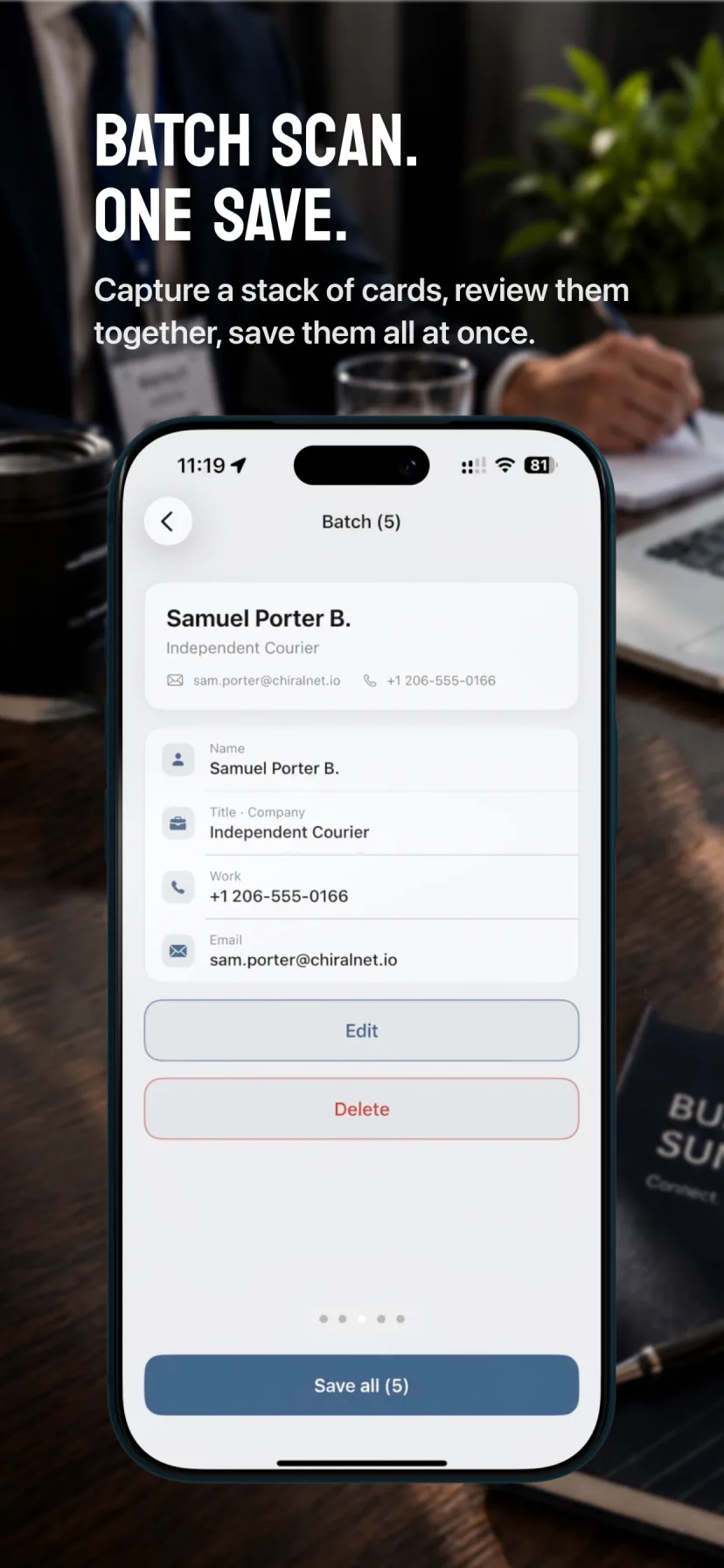
Capture multiple business cards in one session, then review them together when you are ready.
Business card scanner for iPhone
Business cards to iPhone Contacts.
One scan, every detail.
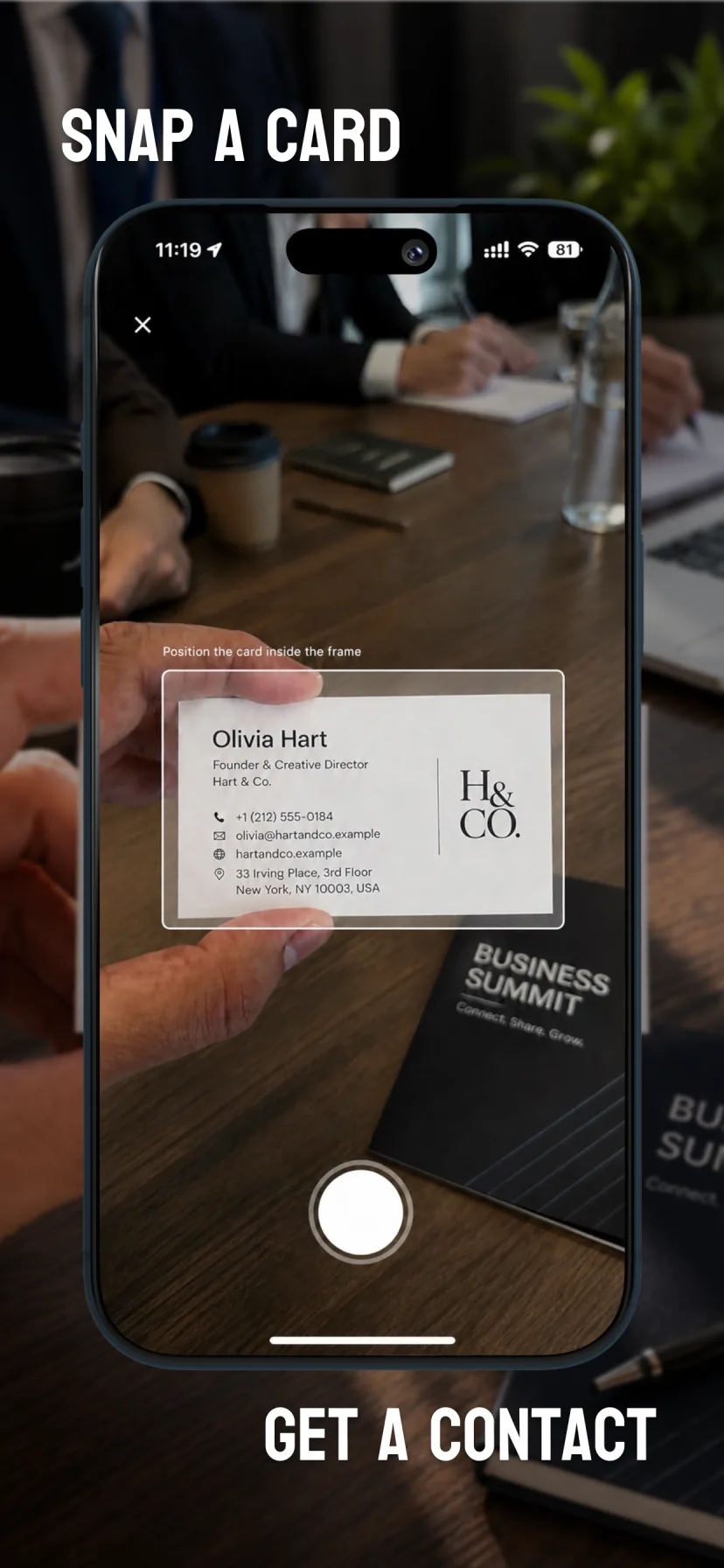
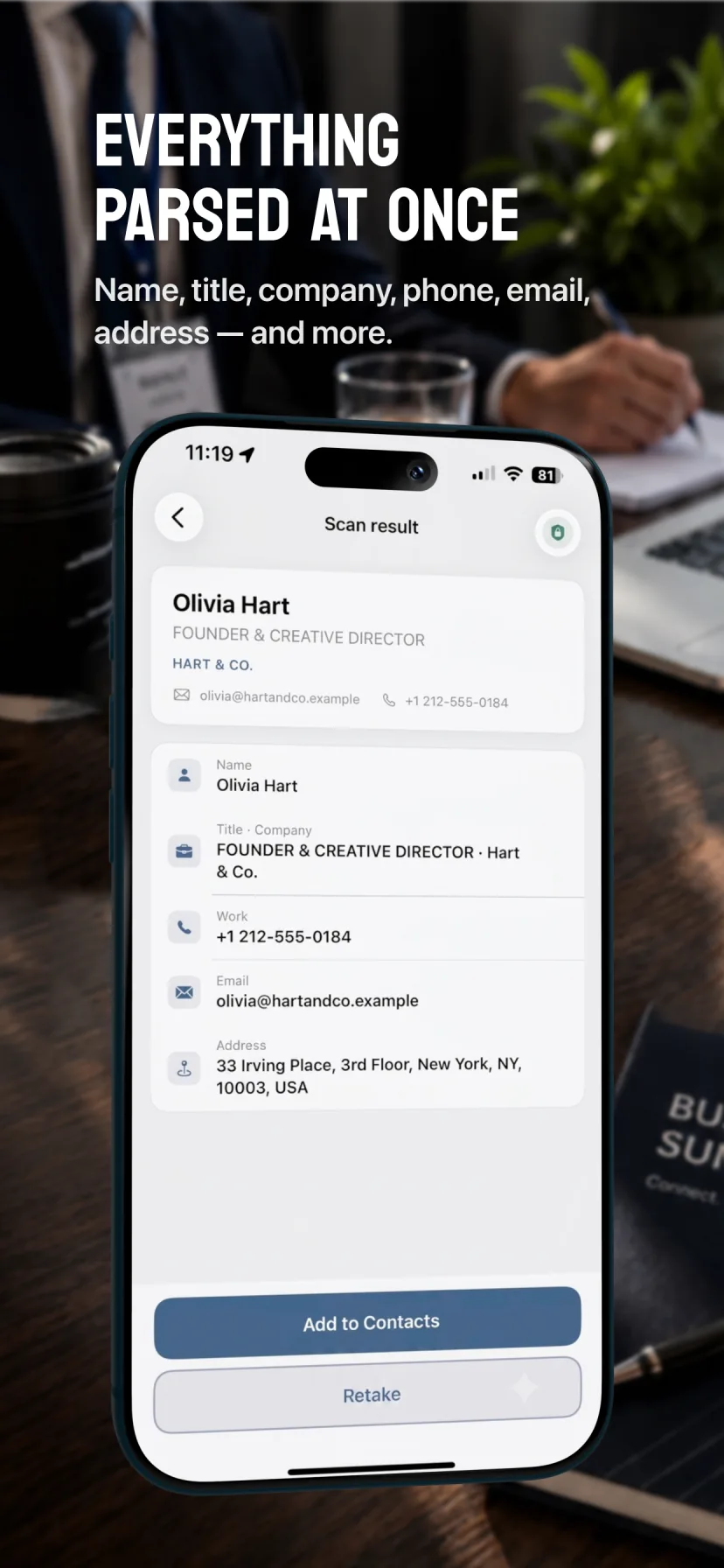
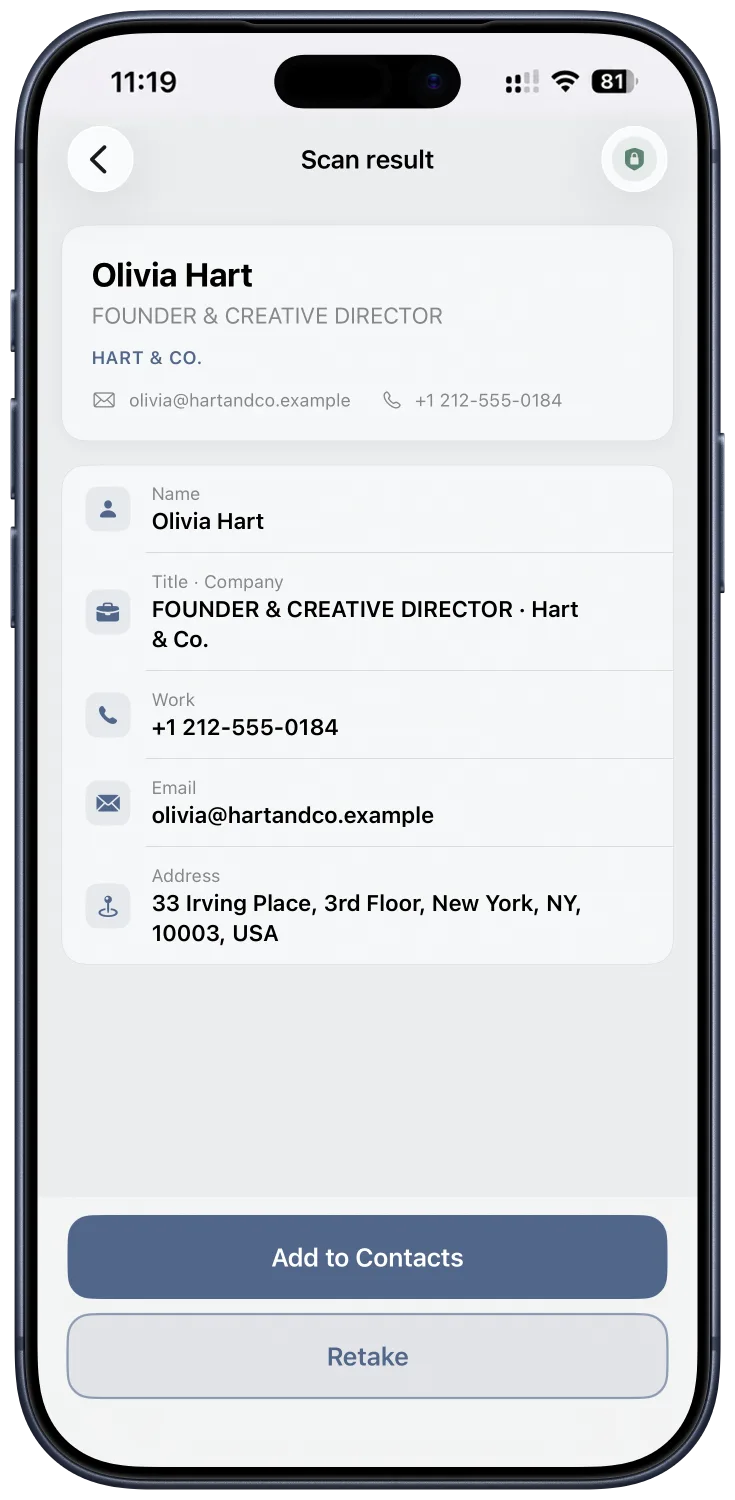
Scan a business card and get the whole contact in one tap — name, title, company, phone numbers, email, website and address. Review it, then save directly to Contacts.
3 scans free Unlock US $8.99 Pro US $14.99 No subscription
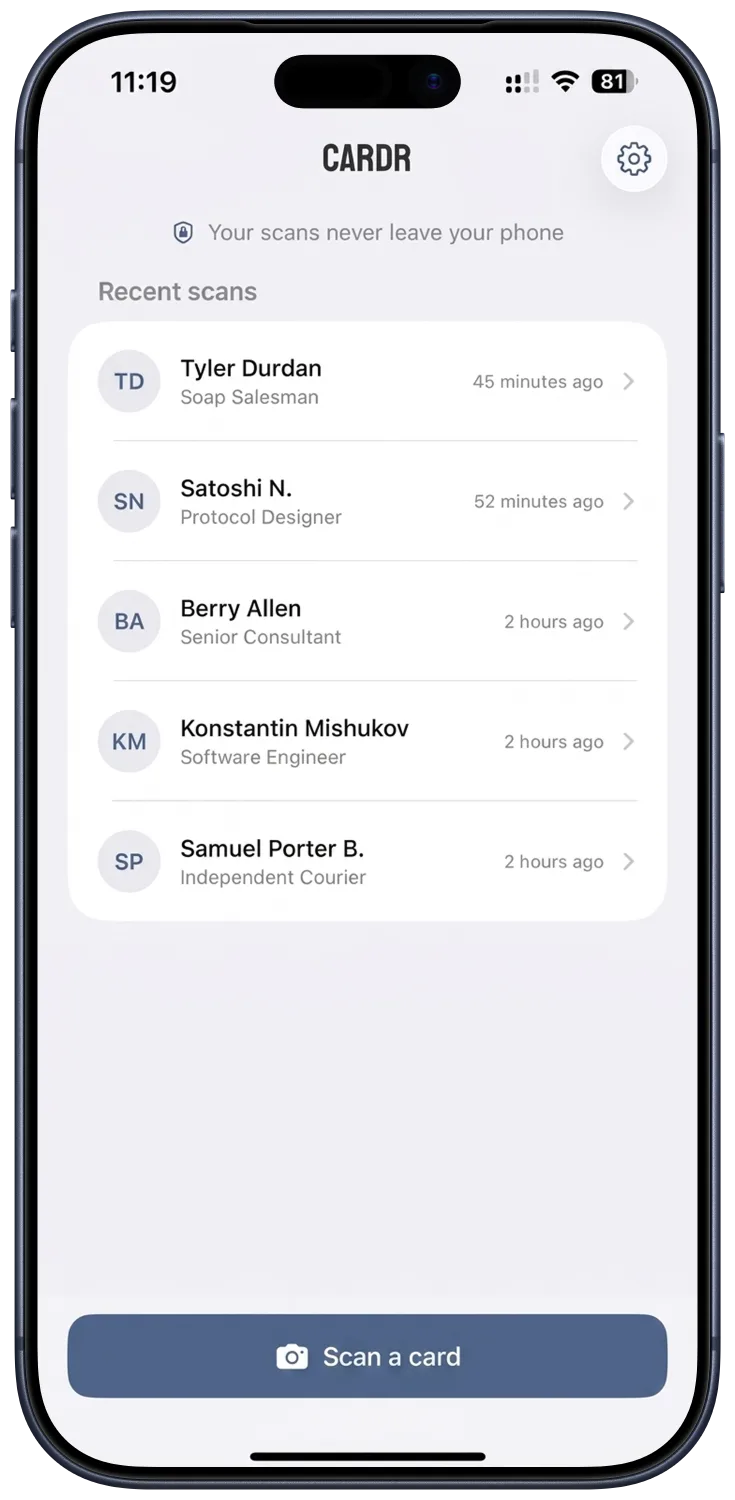
From paper to Contacts
Cardr reads the entire card at once, maps each detail to the right contact field and lets you confirm everything before it is saved.
Capture one card, or scan a stack from a conference or meeting in a batch session with Cardr Pro.
Check the name, title, company, phones, email, website and address. Fix anything before saving.
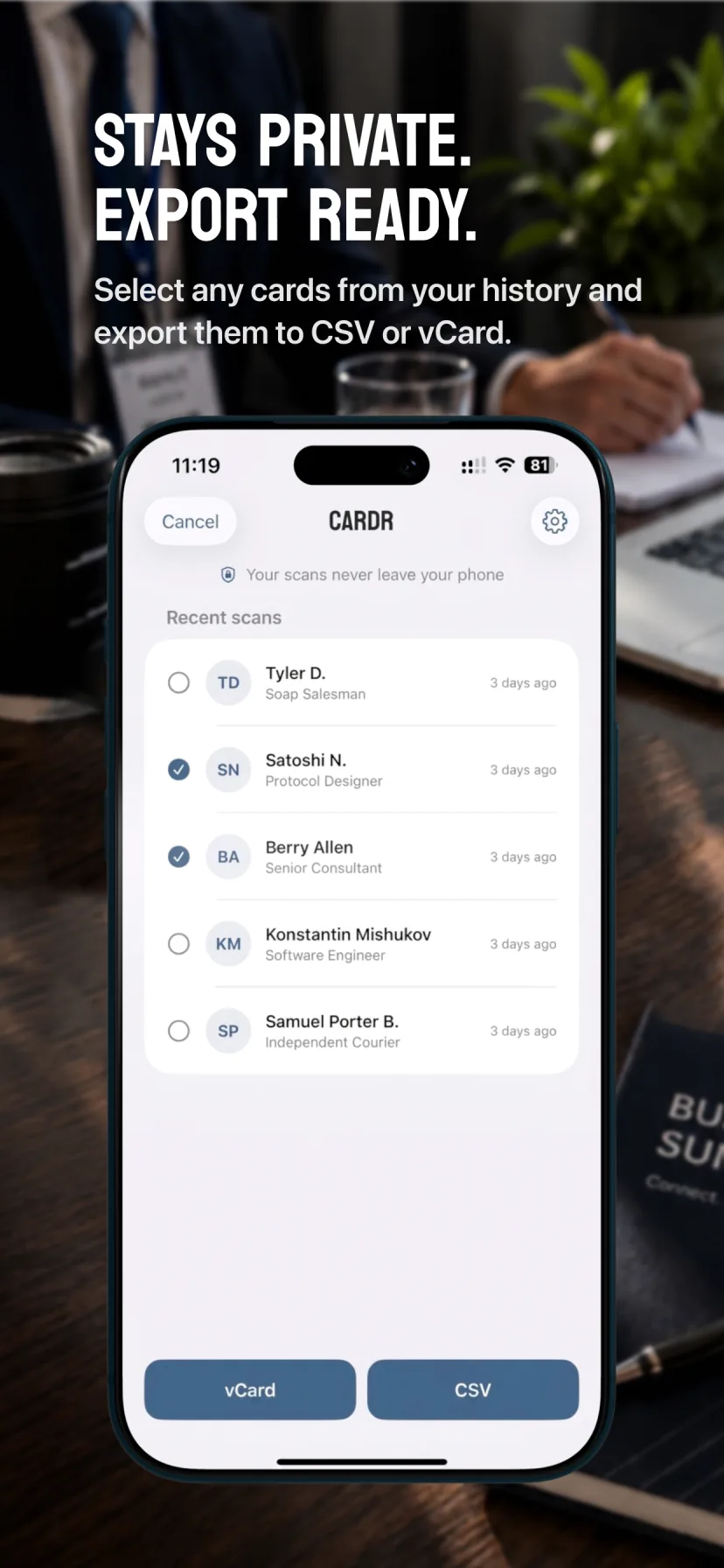
Save to Contacts or choose Keep in App. With Cardr Pro, export individual scans or your history as CSV or vCard.
See Cardr in action
Scan a card, review every field and save to Contacts. Cardr Pro adds batch scanning and CSV/vCard export.
Built for real follow-up
Capture multiple business cards in one session, then review them together when you are ready.
Revisit past scans and tap any field to copy it. Your history stays available on your iPhone.
Move one card or your full history into a spreadsheet, CRM workflow or another contacts app.
Review before saving to Contacts, or choose Keep in App to keep the scan in local history. Add it to Contacts later whenever you need it.
Private by design
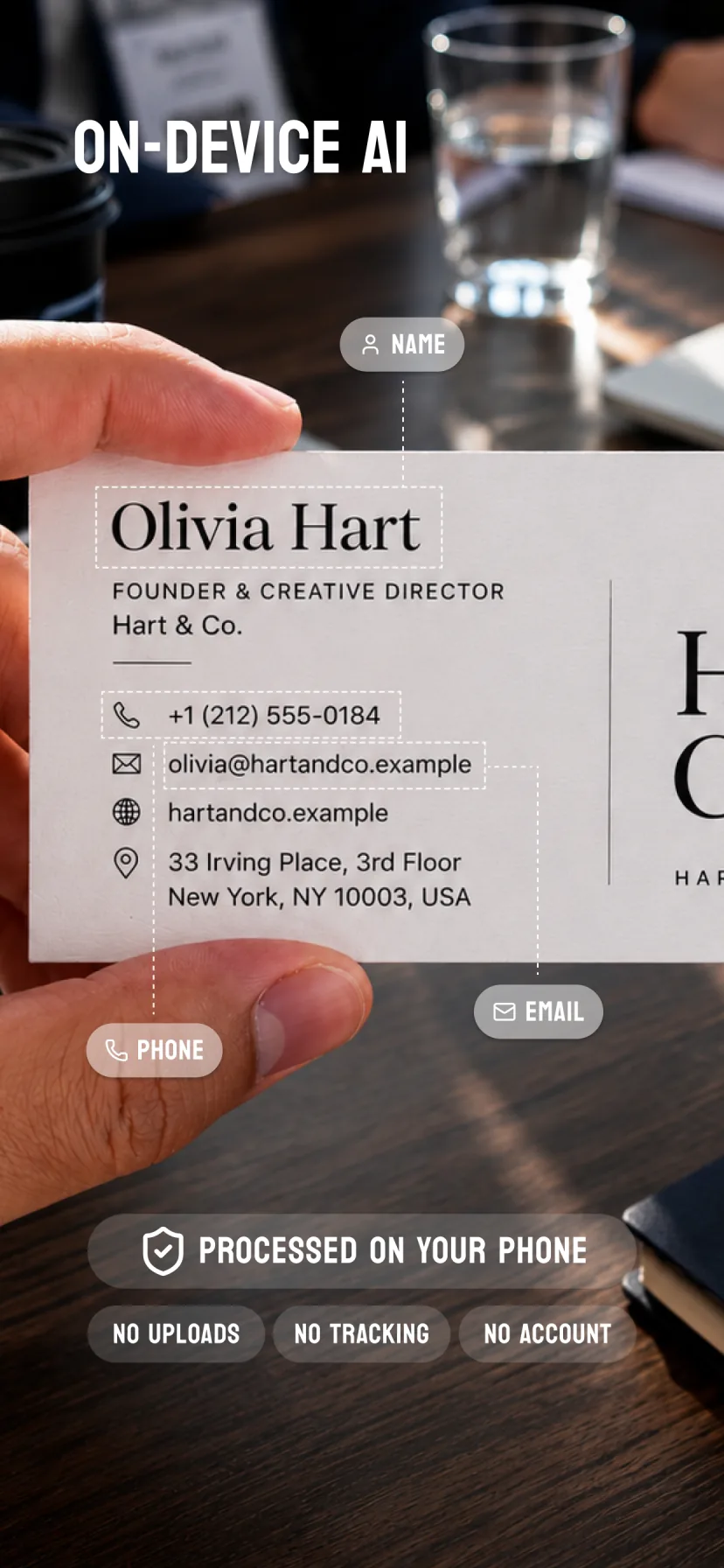
Cardr uses Apple Intelligence to read and organize card details on supported devices. There is no sign-up, tracking server or cloud upload, and the App Store privacy label is Data Not Collected.
Compatibility
Cardr requires iOS 26 and an iPhone with the A17 Pro chip or later, starting with iPhone 15 Pro.
Simple pricing
Your first 3 scans are free. Unlock costs US $8.99 for unlimited single-card scanning. Cardr Pro costs US $14.99 and includes unlimited scanning, batch scanning and CSV/vCard export. Both are one-time purchases with no subscription.
Already have Unlock? Upgrade to Pro for US $5.99. Prices shown are for the US App Store; local prices may vary.
Frequently asked questions
Card recognition is processed on your supported iPhone, so card images do not need to be uploaded to a cloud service.
Cardr requires iOS 26 and an iPhone with the A17 Pro chip or later, including iPhone 15 Pro and newer supported models.
Yes. Cardr Pro includes batch scanning: capture multiple cards in one session and review the results together before saving.
Yes. With Cardr Pro, export an individual scan or your scan history as CSV or vCard.
No. Choose Keep in App to keep a scan in local history without adding it to Contacts. You can add it to Contacts later from your history.
No. Cardr does not require an account, upload card images for processing or collect tracking data.
Your first 3 scans are free. Unlock costs US $8.99 for unlimited single-card scanning. Cardr Pro costs US $14.99 and includes unlimited scanning, batch scanning and CSV/vCard export. Both are one-time purchases with no subscription. Existing Unlock owners can upgrade to Pro for US $5.99. Local prices may vary.
Ready when the next card lands